
Tell Lola what you want. She'll handle your SEO.
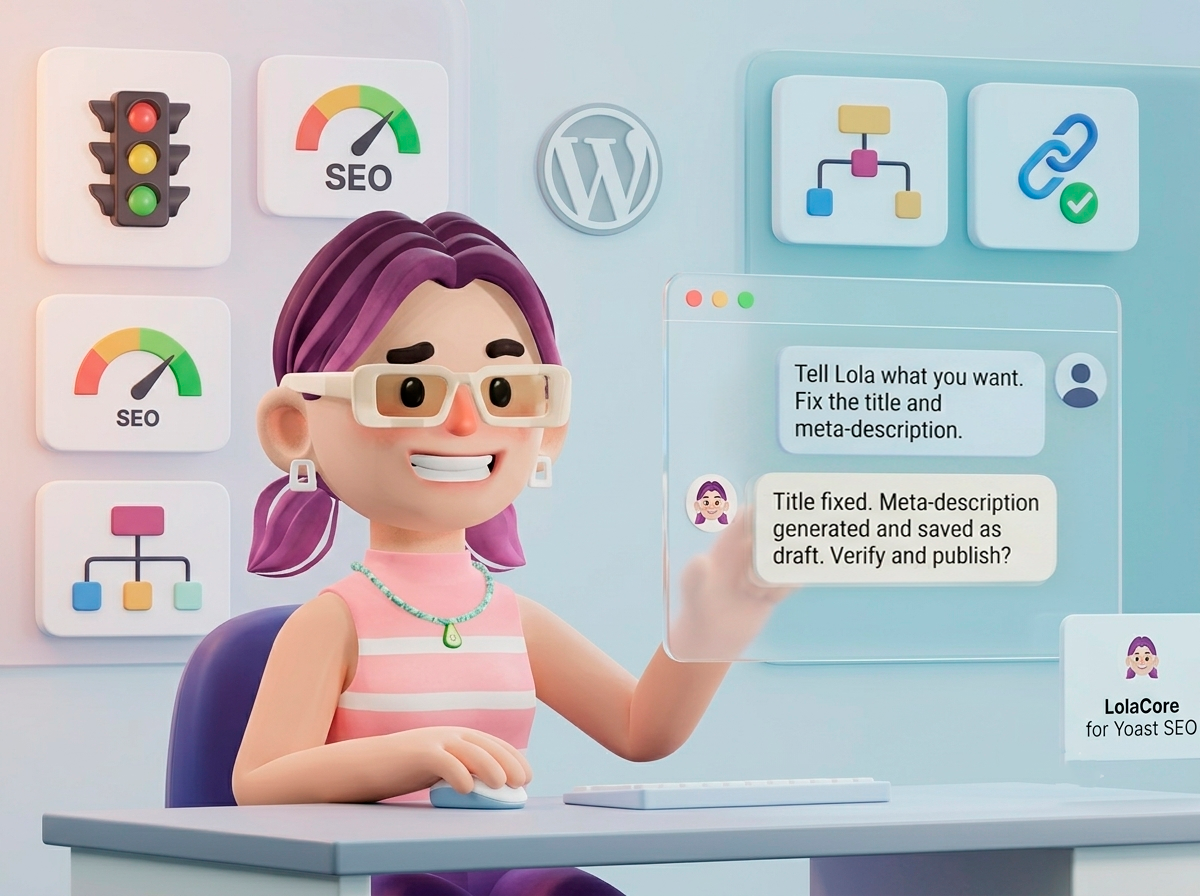
You think in sentences. WordPress makes you click your way there.
When you think about your SEO, you think in plain sentences: "find every product without a description," "fix the title on this page," "stop Google from indexing this one." Yoast SEO can do every one of those things, well. What it can't do is take the sentence directly. You have to translate it yourself: open the post, find the Yoast box, scroll to the right tab, click.
One post, that's a minute. Forty-three products without a meta-description, that's an afternoon you don't have, repeated every time you add ten more.
LolaCore for SEO removes the translation step. You say the sentence to Lola. She checks or changes the Yoast fields for you, across one post or your whole site, and shows you exactly what will change before anything goes live.
What changes when Lola handles your SEO
Finding and closing every gap at once
 LolaSEO Audit
You never opened a single product editor. Lola found the gap across your entire catalog, wrote the fix in your voice, and left every change in preview until you say go.
Diagnosing why a page isn't ranking
LolaPost SEOYou described a symptom, not a setting. Lola found which one it was and changed it through the same Yoast field you'd have used by hand.
Fixing a pattern across an entire content type
LolaGlobal ConfigOne sentence, applied to every product through the same title template field Yoast already has.
One sentence can touch more than one plugin. Lola can too.
A missing meta-description lives in a Yoast field. A missing price lives in WooCommerce. When you describe a real situation, like "I just added new products," both can be true at once. If you have LolaCore for WooCommerce active, Lola checks both in the same conversation instead of you switching screens.
LolaCross-domainWhat started as an SEO check caught a stock problem at the same time. That's what happens when one assistant works across WooCommerce and Yoast in the same conversation, instead of two separate screens.
28 capabilities across 8 areas. 22 with Yoast Free.
Post & page SEO
Read or write the title, meta-description, focus keyphrase, canonical URL, robots directives, cornerstone flag, and Open Graph / Twitter card fields for any post, page, or product. One write call handles the whole set with a partial merge, so fixing three fields doesn't mean overwriting the other ten.
Site-wide audit
Ask once, in one sentence, and Lola checks every post: missing meta-descriptions, missing focus keyphrases, the lowest SEO scores, pages set to noindex. The same fields Yoast already tracks per post, checked across all of them in one pass instead of one post at a time.
Global SEO configuration
Title and meta-description templates per content type. Title separator. Noindex toggles per post type. Set once, applies everywhere, no settings screen.
Taxonomy SEO
The same title, description, and meta fields, but for categories and tags instead of posts.
Social configuration
Default social image, social profile links, Open Graph defaults for the whole site.
Bulk SEO updates
Apply a title or description pattern across a filtered set of posts in one action, with a preview that tells you exactly how many will change before anything saves.
Redirects (Yoast Premium)
List, create, update, and delete redirects by talking to Lola instead of opening the redirects screen.
Additional focus keyphrases (Yoast Premium)
Read and set the extra keyphrases Premium allows beyond the primary one.
What you need on the Yoast side
Lola remembers what's broken and what you've already fixed
Every audit Lola runs is remembered. The 43 products she found without a meta-description, the ones she already drafted, the ones you approved and the ones still waiting for your review.
The next time you ask "what's left to fix," she doesn't re-scan your whole catalog from scratch and make you sort through it again. She knows where you left off.
That memory is what makes the audit useful the second time, not just the first: Lola isn't answering one question, she's maintaining a running picture of your site's SEO health between conversations.
No write happens without your approval
Writing a meta-description, changing a title template, deleting a redirect: every write action goes through a confirmation step. For bulk changes, Lola tells you exactly how many posts will be affected before you confirm, not after.
Read actions, including the full-site audit, run directly. They don't change anything, so they don't need approval.
For changes that can't be undone, like deleting a redirect or overwriting a global setting that affects every post of a type, Lola spells out exactly what will be removed or replaced in plain language before asking you to confirm.
What you need
If you already speak the Yoast API
Most of this page is written for the person who opens Yoast once a quarter and dreads it. If you work with the Yoast API directly, two things matter.
First, every capability here runs against Yoast's public, stable API surfaces (WPSEO_Meta, WPSEO_Options, WPSEO_Taxonomy_Meta, the redirect manager), not internal DDD classes Yoast can refactor without notice. Fields Lola writes are indistinguishable from fields set through the Yoast metabox or in code.
Second, this add-on doesn't call any of Yoast's own AI endpoints. Lola generates text with your own AI key and writes the result into the same fields Yoast reads. Same data, different engine.
Questions
Does this replace Yoast?
No. Yoast stays installed and active, and keeps showing you scores in the editor exactly as before. Lola operates on top of it: she reads and writes the same fields Yoast already uses.
Does it work with Yoast Free or only Premium?
Both. All 22 Free capabilities work out of the box. Redirects and additional focus keyphrases activate automatically when Yoast Premium is detected, bringing the total to 28.
Is this add-on free?
Yes. LolaCore for SEO is free, with no separate license. It writes and audits your SEO using your own AI key, the same key your LolaCore install already uses for everything else.
Will this affect my SEO scores or rankings?
Lola writes to the same fields you'd edit by hand in the Yoast metabox. There's no separate scoring system and no shortcut around how search engines actually rank pages. What changes is how fast you can act on what Yoast already shows you.
Can Lola check settings across my whole site instead of one post at a time?
Yes. Anything Yoast tracks per post, like the noindex setting, robots directives, or canonical URL, Lola can check across every post in one pass and tell you which ones are set a certain way, instead of you opening each post individually.
Tell Lola what you want. She'll handle your SEO.
Install the add-on and Lola discovers all 28 capabilities automatically. No settings page to configure.
Don't have LolaCore yet? LolaCore is the free AI agent that lives inside your WordPress admin. It reads your site, takes action with your approval, and remembers everything across sessions. Get LolaCore free →
LolaCore for SEO is an independent add-on. Version 1.0 integrates with Yoast SEO. It isn't built or endorsed by Yoast BV. "Yoast" is a trademark of Yoast BV.